Registry
Keep track of the models you train: every version with its kind, stage, scores, notes, model card and where it came from.
The Registry page lists your models on the left. A model is a name, such as sanctions-alert-triage, and each time you register a new result under that name it becomes the next version: v1, v2, v3 and so on. Only you can see your registry.
Get models into the registry
There are two ways.
Automatically, with the Publish and register block. Add Publish and register to a pipeline (usually after a quality gate, so only approved models get in). When it runs, it:
- pushes the adapter or merged model to your Hugging Face account (Repository name, private by default);
- writes a model card (the repository's README) with the training details and, if you connect its Eval report input, the evaluation scores; Notes for the model card are added to it;
- with Add to model registry on (the default), adds a new version under Registry name (default: the pipeline's name), with the scores and the model card attached.
By hand, from a run. On a run's Artifacts tab, press Register next to a model or GGUF artifact. In the Register this model dialog:
- Model name: versions with the same name are grouped together. The default is the pipeline's name.
- What it is: LoRA adapter (needs the base model), Merged model or GGUF files. Tuneline Studio picks a sensible default from the artifact.
- Notes (optional).
- Press Register.
The new version is linked to the run and gets the run's evaluation scores. A message offers Open registry.
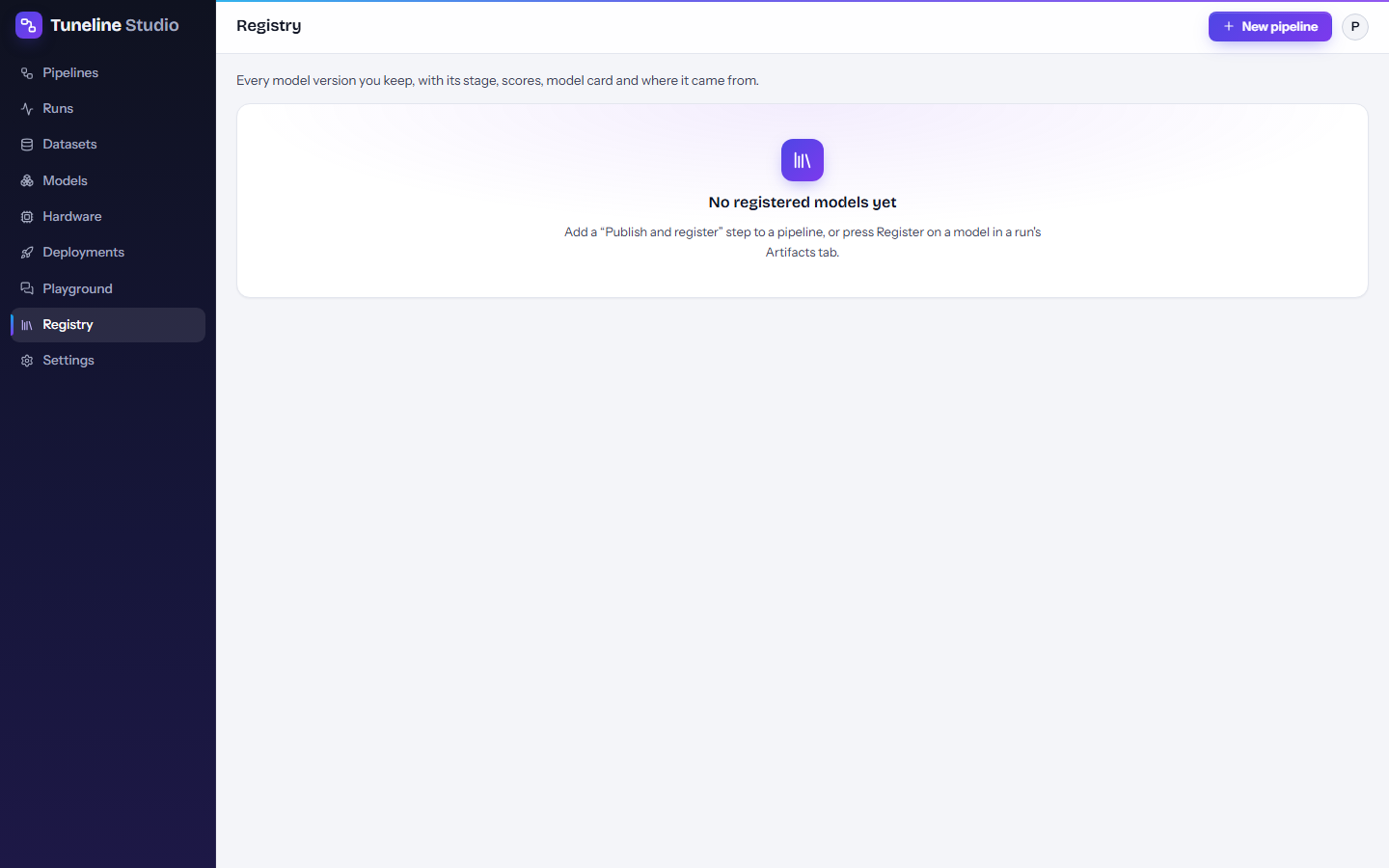
Until you register something, the page says "No registered models yet".
What you see
Pick a model on the left; the list also shows how many versions each has and which version is in production, if any. On the right, the model's name, base model and task sit above a table of its versions, newest first:
| Column | Meaning |
|---|---|
| Version | v1, v2, ... Click it to open the version's details. |
| Kind | What the version is (see below). |
| Stage | Where it is in its life (see below), with a menu to change it. |
| Scores | Up to three evaluation scores recorded with the version, or "no scores". |
| From | A link to the run that produced it. |
| Added | When it was registered. |
Kinds
| Kind | What it is | How to use it |
|---|---|---|
adapter |
A LoRA adapter: a small set of extra weights that only works on top of its base model. | Load it with its base model, or deploy it: endpoints serve it on top of the base model. |
merged |
A standalone model with the adapter merged into the weights (from Merge adapter). | Load it like any Hugging Face model, or deploy it. |
gguf |
Quantized GGUF files (from Export GGUF) for llama.cpp, Ollama and LM Studio. | Run it on your own computer. GGUF versions cannot be deployed as endpoints. |
Stages
Every version has a stage. New versions start with No stage.
| Stage | Typical meaning |
|---|---|
| No stage | Just registered, not reviewed. |
| Staging | Being tested, for example in the Playground or by a small group of users. |
| Production | The version your application should use. |
| Archived | Kept for the record, no longer in use. |
To promote a version, open the stage menu in its row and pick Move to staging, Move to production or Move to archived (or Move to no stage to clear it). The change is saved immediately. Tuneline Studio records when the version was promoted but does not demote other versions for you: if you move v3 to production, move the old production version to archived yourself.
Stages are labels for you and your team; they don't start or stop anything. To serve a version, deploy it (see below).
Version details
Click a version number to open its details:
- Lineage: where the version came from, as a chain: Data (the dataset versions, Hub datasets or URLs the run loaded) → Run (the run number and its status) → Artifact (the artifact and its Hugging Face repository) → Deployments (endpoints serving it, with their status, or a Deploy it link). A version registered without a run shows "registered by hand".
- The model's address (for example
hf://model/your-name/sanctions-alert-triage@<revision>) and a Deploy button for versions stored on the Hugging Face Hub. - Notes: free text such as why the version exists, known issues or approvals. Notes are saved when you click outside the box.
- Model card: the card written by Publish and register. Versions registered by hand have no card.
Lineage answers questions like "which data was this production model trained on?" and "which endpoint is still serving the old version?".
Use a registered version
- Deploy it: press Deploy in the version details (or Deploy it in the lineage) to open the New endpoint dialog with the model filled in. Picking the registered version, rather than typing the repository, tells Tuneline Studio whether it is an adapter and which base model it needs. See Deployments.
- Train or evaluate it further: add a Registered model block to a pipeline and pick the version in Model version. It works like Base model, so you can fine-tune it again, evaluate it or export it. It needs your Hugging Face token, because registered models live in your Hugging Face account.
- Use it outside Tuneline: the files are in your Hugging Face repository. See Deployments for free ways to run it.
Where the files are
The registry stores records, not model files. The files stay in your Hugging Face account (private repositories by default). Deleting a Hugging Face repository breaks the versions that point to it; deleting a run or an artifact in Tuneline Studio does not delete files on Hugging Face.